Garage Door Remote Not Working? Fixes for Remotes, Keypads and Wall Controls
For: Opener repair and installation
In short
How to fix a garage door remote, keypad or wall control that stopped working: battery, lock mode, reprogramming, signal problems, and when the opener itself needs a technician.
When a garage door remote stops working, the cause is usually small: a dead battery, a lock setting switched on at the wall control, a remote that lost its pairing with the opener, or something weakening the radio signal. Press the wall button first. If the door runs from the wall button, the opener and door are fine and the fault sits between the remote and the receiver, which most homeowners can sort out with a fresh battery and a step ladder.
Start with one test: the wall button
The wall button is wired straight to the motor unit, so it tells you which half of the system to look at.
- Wall button works, remote does not: battery, lock mode, pairing or signal. Start with the remote fixes.
- Wall button works, keypad does not: keypad battery, PIN, lock mode or corrosion. Go to the keypad section.
- Remote works only a few feet from the door: a weak battery or radio interference near the opener.
- Nothing works, not even the opener light: a power problem or a failed opener.
- The door starts down and then goes back up: that is not a remote problem. The safety sensors or the door itself are stopping it.
Fixes for a remote that stopped working
Replace the battery
Most visor remotes run on a small coin cell, and the battery type is printed on the old cell or inside the case. If the little LED on the remote glows dim or not at all when you press a button, swap the battery before trying anything else. Heat shortens battery life, and a remote clipped to the visor of a car parked in the sun bakes all summer.
Turn off lock or vacation mode
Many wall controls have a lock button or a vacation switch that tells the opener to ignore every remote and keypad while the wall button keeps working. On many models a light on the wall control blinks while lock is on, and holding the lock button for a couple of seconds turns it off. Your opener manual names the exact button.
Pair the remote with the opener again
A remote can lose its pairing after a power surge, after someone clears the opener's memory, or after a new receiver or logic board goes in. Pairing again takes a ladder and the remote:
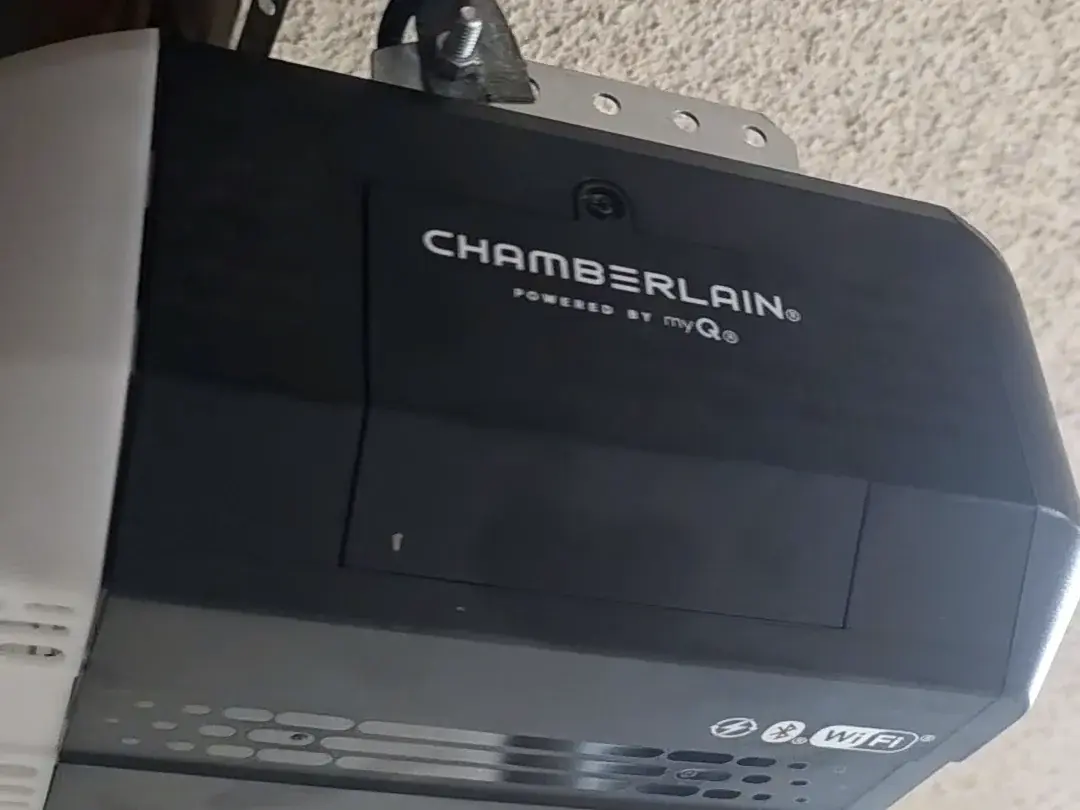
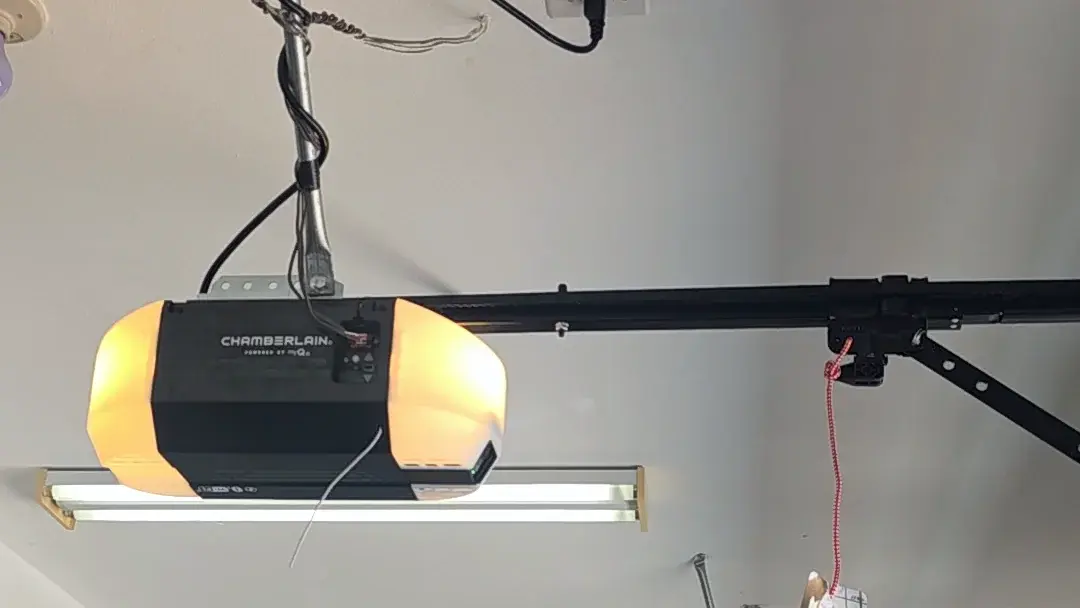
- Find the Learn or Program button on the motor unit. It is often under the light lens or beside the antenna wire.
- Press and release it once. Do not hold it down: on many openers a long press erases every remote and keypad stored in memory.
- Within about 30 seconds, press and hold the button on the remote you want to use until the opener light blinks or you hear a click.
- Step off the ladder, stand clear of the door and test the remote.
LiftMaster and Chamberlain units mark the Learn button with a color that tells which remote technology the opener accepts, so check that color before buying a replacement or a universal remote. Genie and other brands use their own pairing sequence, and the manual for your model is the reliable guide.
Look for signal problems
If the remote only works close to the door, the signal is being weakened. Check that the thin antenna wire hanging from the motor unit points down and is not tucked up, painted over or cut. Some LED bulbs put out radio noise that drowns the remote, so if the trouble began after new bulbs went into the opener, take them out and test again, then use bulbs rated for garage door openers.
Fixes for a keypad that will not open the door
An outdoor keypad has its own battery, its own PIN and its own pairing, and lock mode blocks it just as it blocks remotes. Work through these steps in order:
- Replace the keypad battery with the type named in the battery compartment.
- Turn off lock mode at the wall control.
- Pair the keypad again: press the Learn button once, then enter your PIN and press Enter on the keypad. Some keypads need the PIN set again after a battery change.
- Open the cover and look at the battery contacts. White or green crust blocks power; wipe it off with a dry cloth or a pencil eraser.
- If the keys still do nothing with a fresh battery and clean contacts, the keypad has failed and needs replacing.
Salt air is the keypad's enemy near the coast. In Ocean Beach every home sits within a mile of salt water, and in Imperial Beach nearly every home does, so keypad contacts and circuit boards there corrode faster than they would inland. A keypad that keeps failing at a beach house is often a corrosion problem, not a programming one.
When the wall button is the part that fails
If the remote opens the door but the wall button does not, look at the wall control first. Check for lock mode, then switch off power to the opener and look at the two thin wires at the back of the button and at the terminals on the motor unit for a loose or broken connection. Many newer openers use a wall control that sends data, not a simple contact, so a basic doorbell-style button will not work as a replacement on those models.
If nothing works at all, plug a lamp into the outlet that feeds the opener. Reset any tripped GFCI outlet in the garage and check the breaker. If power is present and the opener still does nothing, the logic board, transformer or motor is the likely fault, and that is repair work.
Signs the problem is not the remote
- The door closes partway and reverses, or the opener light flashes after a close attempt: the safety sensors are blocked, dirty or out of line. Why a garage door won't close walks through those checks.
- Motor hums, door stays put: often a stripped drive gear, a weak start capacitor, or a broken spring leaving the door too heavy to lift.
- The opener clicks and nothing else happens: often a relay or the logic board.
- The door feels very heavy when you lift it by hand after pulling the release: a spring problem, and a job for a technician.
What not to do
- Do not hold the Learn button down unless you mean to erase every remote and keypad.
- Do not tape over, unplug or bypass the safety sensors to get the door to close.
- If a spring might be broken, leave the emergency release alone unless the door is fully closed. An open door with a failed spring can drop.
- Never adjust or loosen torsion springs, lift cables or bottom brackets. They hold enough tension to cause serious injury.
If you are tired of hunting for visor remotes, a phone app or a smart hub is another way to run the door. Our guide to smart garage door openers compares the main app systems.
When to call a pro
Call when the wall button and remote both fail with power present, when the opener hums or clicks without moving the door, when a paired remote keeps dropping out, or when the door feels heavy after you pull the release. Garage door opener repair covers receivers, logic boards, gears, keypads and wall controls, and a worn opener can be replaced with one that has the battery backup California requires. To book a visit, call Doorup at (619) 666-6054.
Remote and keypad questions
Why did my garage door remote stop working after a power outage?
Most openers keep their stored codes through an outage, but a surge when power returns can damage the receiver or logic board. Try pairing the remote again. If no remote or keypad will pair, the receiver side of the opener likely needs repair.
Can I use a universal remote with my opener?
Usually, if the universal remote supports your opener's brand and radio technology. On LiftMaster and Chamberlain units the color of the Learn button tells you which technology to match. Check the remote's compatibility list before you buy.
How do I erase a lost or stolen remote?
On many openers, holding the Learn button until its light goes out clears every stored remote and keypad. Then pair the remotes you still have and set the keypad PIN again. Some brands use a different sequence, so follow the manual.
Why does my remote work from inside the garage but not from the street?
Short range points to a weak remote battery, an antenna wire that is folded or damaged, or interference from nearby LED bulbs or electronics. Fix those in that order.