Smart Garage Door Openers: What They Do and What to Check Before You Buy
For: Opener repair and installation
In short
A homeowner guide to smart garage door openers: app features, the myQ, Aladdin Connect and Apple Home ecosystems, retrofit hubs, Wi-Fi in the garage, security habits and the California battery backup rule.
A smart garage door opener is an opener you can control and monitor from a phone over the internet. It tells you whether the door is open or closed, sends an alert when it moves, and lets you close it from anywhere. You can buy an opener with Wi-Fi built in or add a small hub to the opener you already have. Either way, the door still runs on the same motor, springs and safety sensors, so the smart part only works as well as the door under it.
What a smart opener actually adds
- Door status on your phone: open, closed, or stopped partway, checked from the couch or from another city.
- Alerts each time the door opens or closes, plus an activity log you can scroll back through.
- Remote close: the forgotten-door problem is solved by tapping the app instead of driving home.
- Schedules and auto-close timers, so the door closes by itself at night or after it has sat open for a set time.
- Guest access: a family member, house sitter or contractor gets their own login or time-limited access, and you remove it when the job ends.
- On some models, a built-in camera, package delivery into the garage where the service operates, and links to voice assistants.
What it does not add is mechanical strength. An app cannot make a heavy, unbalanced door easier to lift, and it cannot stop a worn spring from failing. If the door already strains or shakes, fix that first, because a new motor on a bad door wears out early.
myQ, Aladdin Connect and Apple Home: the three ecosystems
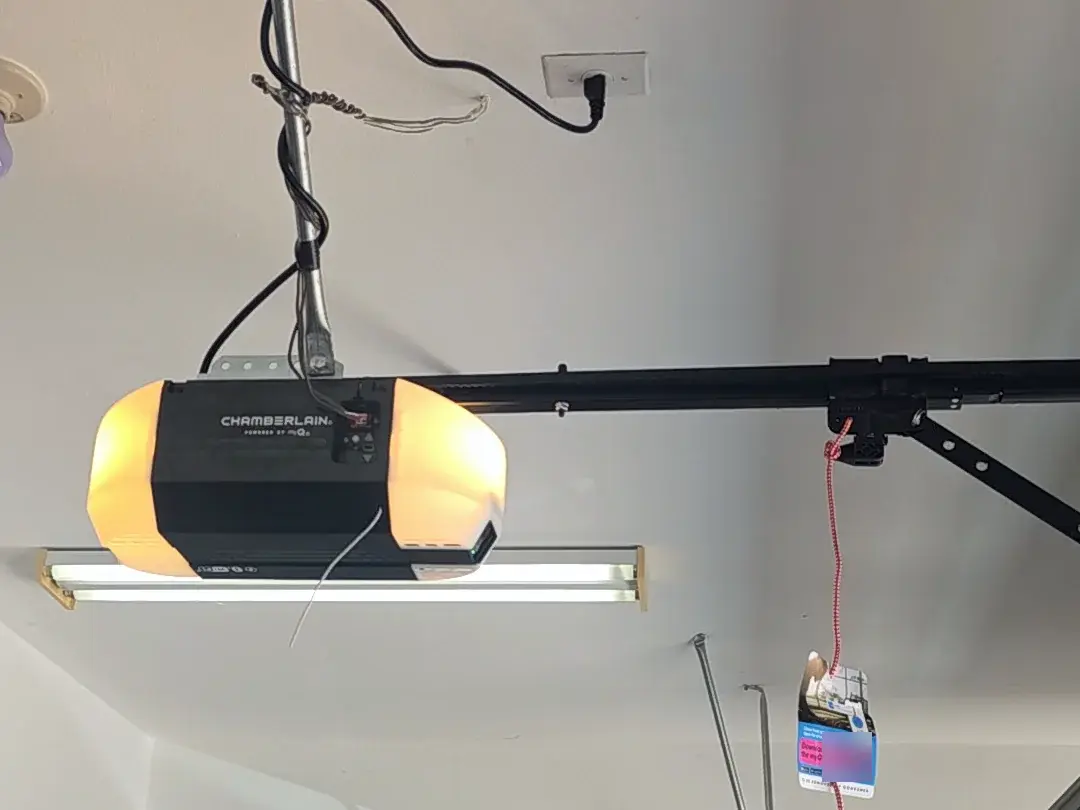
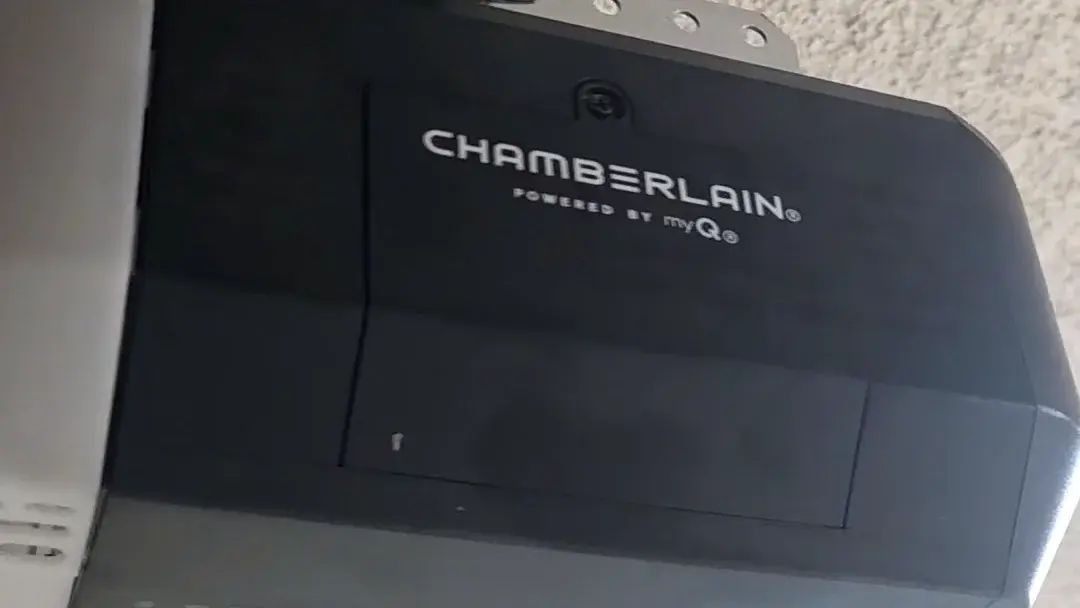
Most homeowners do not choose an app separately; the opener brand chooses it for them. LiftMaster and Chamberlain openers, and many recent Craftsman units, are controlled through the myQ app. Genie openers, and some Overhead Door models, use Aladdin Connect. Apple Home (HomeKit) support comes either from an opener model that lists it on the box or from a third-party controller wired to the opener. Some newer devices also support Matter, a standard meant to let one device work across Apple, Google and Amazon homes.
Integrations change. Brands have added and removed links to voice assistants and home platforms over the years, and some features, such as video history or certain partner services, may sit behind a paid plan. Before you buy, open the current app listing or the maker's support pages and confirm that the exact platform you use today is still supported.
Built-in Wi-Fi or a retrofit hub?
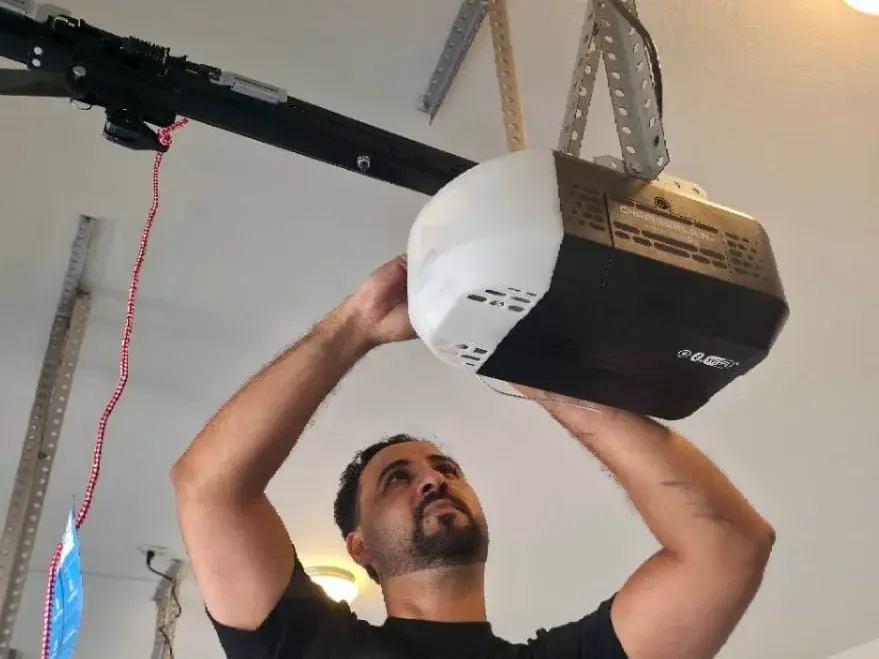
If your opener runs well, a retrofit hub is the low-cost way in. A typical kit has a hub that mounts near the motor and a small sensor that sticks to the top section of the door to report whether it is open or closed. The hub talks to the opener the way a remote does. Compatibility depends on the opener's radio system: for LiftMaster and Chamberlain the color of the learn button on the motor head is the usual guide, and the kit maker publishes a list. The hub needs working photo-eye safety sensors on the opener, which residential openers have carried since the federal safety standard changed in 1993.
Replacing the opener makes more sense when it is old, loud, missing a battery backup, or showing faults such as a humming motor or a stripped gear. A new unit with Wi-Fi built in gives you the app, a current rolling-code radio and, in California, the battery backup the law now requires on new installs. If you are unsure which side of that line you are on, the opener troubleshooting guide covers the common faults that point to repair rather than replacement.
Why some unattended closes beep and flash first
When you close the door from an app while you are away, the opener cannot see who is standing under it. The UL 325 safety standard for residential openers therefore requires a warning before an unattended close: the opener light flashes and a beeper sounds for a few seconds before the door starts down. The safety sensors and auto-reverse still apply on the way down. If your retrofit kit includes a beeper or light module, install it.
Wi-Fi in the garage: check before you buy
Weak Wi-Fi is a frequent reason a smart opener drops offline. The garage is often the room farthest from the router, the door itself is a large metal panel, and many San Diego homes have stucco walls laid over wire lath, which can block a signal more than drywall does. Stand where the opener hangs and check your phone's Wi-Fi bars and a speed test with the main door closed. Many openers and hubs connect only on the 2.4 GHz band, so confirm your router still broadcasts it. If the signal is poor, a mesh node or a range extender inside the house near the garage wall usually solves it.
Power outages and the battery backup law
California's battery backup rule is Health and Safety Code section 19892, added in 2018 by SB 969 (Chapter 621). Since July 1, 2019, a residential opener made for sale, sold, offered or installed in the state must include a battery backup, and a replacement door may not be hooked up to an older opener without one. Section 19891 sets a $1,000 civil penalty for each opener that breaks the rule. Our post on the California battery backup law covers who it applies to and when.
Two practical points follow for smart openers. A Wi-Fi hub added to an older opener does not give that opener a battery. And during an outage the battery keeps the motor, wall button and handheld remotes running, but the app works only if your router and internet service also have power. If phone control during an outage matters to you, a small backup power supply for the router helps more than any opener setting.
Security habits that matter
- Give the opener account a long, unique password and turn on two-step sign-in if the app offers it.
- Share access through the app's guest or household feature rather than handing out your own login.
- Remove old users and old phones when a sitter, tenant or contractor no longer needs the garage.
- Install app and firmware updates when they arrive, and replace the router's default admin password.
San Diego conditions that affect smart hardware
Near the coast, salt air corrodes metal brackets, wire terminals and battery contacts faster than inland, so check the door-mounted sensor and the safety sensor wiring for green or white crust once or twice a year. Inland, a closed garage can get very hot in summer. Heat shortens the life of the lead-acid batteries used in many opener backups and of the coin cells in door sensors, so plan on replacing them on the schedule in the manual, or sooner if the opener reports a weak battery.
What you can set up, and what to leave alone
Installing a retrofit hub, pairing it to the opener, updating firmware and setting schedules are homeowner jobs if you are comfortable on a ladder and follow the kit instructions. Leave the door's torsion springs, lift cables and bottom brackets to a trained technician: they hold the full weight of the door under tension and can cause serious injury when they slip. Before any smart device goes on, close the door by hand with the opener disconnected. If it is heavy, drifts open or slams shut, the balance needs fixing first.
When to call a pro
Call for help when the opener will not pair or keeps dropping offline after you have fixed the Wi-Fi, when the door strains or reverses, when you want an older opener replaced with one that has Wi-Fi and a battery backup, or when a new door is going onto an existing opener. Our opener repair and installation service handles diagnosis, smart opener installs and sensor setup. Call Doorup at (619) 666-6054 to talk through your opener and door.
Smart opener questions
Does a smart garage door opener still work if the Wi-Fi goes down?
Yes. The wall button, handheld remotes and keypad talk to the opener directly by radio or wire, so they keep working. Only the app, alerts and voice control stop until the connection returns.
Do smart garage door openers need a subscription?
Basic open, close and status features have generally been included with the app. Some brands charge for extras such as video storage or certain partner services, and those terms change, so read the current app listing before you buy.
Can I use one app for two openers from different brands?
Usually not through the brand apps, since each one controls its own brand. A home platform such as Apple Home, or a third-party controller fitted to each opener, can put both doors on one screen.